


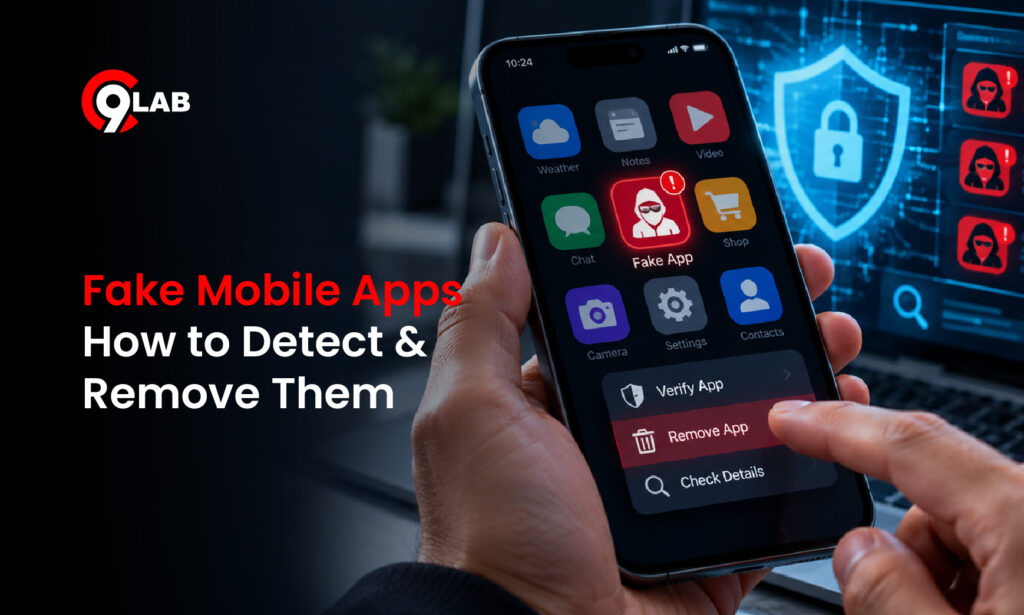
A customer sends your support team a screenshot.
“Is this your new app?”
The logo is yours. The company name looks familiar. Even the screenshots resemble your real mobile application.
But your company never published it.
That is what makes fake mobile apps dangerous. Attackers can copy a trusted brand closely enough to convince customers to download an unauthorised application.
Once installed, that app may ask for login credentials, payment information, OTPs or unnecessary device permissions.
For banks, fintech companies, e-commerce platforms, edtech businesses and other app-driven brands, the damage can extend far beyond one customer.
What Are Fake Mobile Apps?
A fake or rogue mobile app is an application that pretends to be connected to a legitimate organisation when it is not.
Attackers may copy:
- Company name
- Logo and app icon
- Screenshots
- Login interface
- Product descriptions
- Promotional offers
Google Play prohibits applications that impersonate another company, developer or app. Apple also restricts copycat applications and unauthorised use of another developer’s branding.
However, fake apps do not always appear in official app stores.
Many are distributed directly as Android APK files through messaging platforms, websites and third-party marketplaces.
How Do Fake Mobile Apps Impersonate Real Brands?
Modern rogue apps can do much more than copy a logo.
Attackers may recreate several parts of the real customer experience to make the application appear genuine.
Common techniques include:
Visual imitation: Copying colours, icons, layouts and screenshots from the official app.
Similar app names: Using small spelling changes or adding words such as “official,” “premium,” “update” or “rewards.”
Publisher impersonation: Using developer details that appear similar to the legitimate company.
Fake offers: Advertising cashback, discounts, account upgrades or exclusive benefits.
Lookalike login pages: Recreating the genuine login interface to collect customer credentials.
Each element may look harmless on its own.
Together, they can make a fraudulent application surprisingly convincing.
How Do Fake Apps Reach Customers?
Attackers usually place fake apps where customers already expect communication from a trusted brand.
APK Links Through WhatsApp, SMS or Telegram
This is particularly relevant for Indian users.
In March 2026, CERT-In warned about an Android malware campaign impersonating RTO and e-Challan services. Victims received messages encouraging them to install malicious APK files using familiar names such as “RTO Challan.apk” and “MParivahan.apk.”
The malware was designed to steal sensitive financial information and support unauthorised transactions.
The same technique can be adapted to commercial brands:
“Install our new banking app.”
“Download the latest shopping app for cashback.”
“Update your account using this APK.”
The message creates urgency. The trusted brand name creates credibility.
Third-Party App Stores
Rogue applications may also appear outside Google Play and Apple’s App Store.
They can then be promoted through:
- Social media
- Search results
- Paid ads
- Messaging platforms
- APK-hosting websites
For businesses, this means monitoring only official app stores may leave important gaps.
Fake Offers and Promotional Ads
Attackers can also use attractive offers to drive downloads.
A customer might see:
“Festival cashback available only through the app.”
“Download the premium version today.”
“Update your account before midnight.”
The customer clicks, reaches a professional-looking landing page and installs the application.
Why Fake Apps Become a Brand Problem
The immediate risk may be credential or payment theft.
However, the reputational damage often comes afterwards.
Imagine a fintech company with a trusted mobile app.
A scammer creates a fake version using the company’s logo and screenshots. Customers receive a WhatsApp message promising ₹2,000 cashback after installing an “updated app.”
One customer downloads the APK.
The fake application asks for a phone number, password and OTP.
Later, the customer discovers an unauthorised transaction.
Who do they contact?
Usually, the real company.
The result may include:
- Customer support complaints
- Negative reviews
- Social media criticism
- Loss of customer trust
- Fraud investigations
The genuine application may never have been compromised.
Yet the real brand still carries the reputational impact.
How Can Businesses Detect Fake Mobile Apps?
Fake app detection should form part of external brand monitoring.
Verify the Publisher
Do not rely on the logo alone.
Check who actually published the application and compare the developer identity with your official account.
This is particularly important for regulated businesses such as banks and financial services companies.
Compare the App Listing
Review the complete listing, including:
- App name
- Icon
- Screenshots
- Description
- Publisher identity
- Support URL
- Privacy policy
- Downloads
- Reviews
A copied logo combined with an unknown publisher should immediately raise questions.
However, attackers can make listings look professional, so one signal should not be considered in isolation.
Search Beyond Official App Stores
Businesses should also monitor areas where customers might discover unauthorised applications.
These may include:
- Third-party app stores
- APK-hosting websites
- Search results
- Social media
- Messaging-platform links
- Promotional landing pages
The important question is not simply:
“Is there a fake version of our app on Google Play?”
The better question is:
“Where could a customer encounter an unauthorised app using our brand?”
Listen to Customer Reports
Your customer support team can also become an important detection source.
Questions such as:
“Is this APK genuine?”
“Is this your new app?”
“Why is your app asking for SMS access?”
should be escalated rather than treated as ordinary support queries.
Marketing, support and security teams need a simple process for sharing these reports.
What Should You Do When You Find a Rogue App?
Do not start by immediately reporting the application.
First, preserve the evidence.
Capture:
- App or store URL
- APK download URL
- Developer name
- App icon
- Screenshots
- Description
- Package name, if available
- Associated website
- Ads promoting the app
- Date and time detected
This is important because attackers can modify or remove listings after detection.
Once the evidence is preserved, the takedown route depends on where the app is hosted.
Google Play and Apple App Store
Both major stores provide processes for reporting impersonation, intellectual-property misuse and other policy violations.
Clear evidence showing how the application copies or misrepresents your brand can support the review process.
APK Hosting and Third-Party Stores
These platforms may follow different abuse processes.
A complaint may need to reference:
- Brand impersonation
- Trademark misuse
- Malware distribution
- Phishing
- Fraud
- Hosting-policy violations
This is why organised evidence collection is an important part of mobile app takedown.
Why Takedown Should Not Be a One-Time Activity
Removing one fake application does not necessarily end the campaign.
An attacker may:
- Rename the app
- Upload another APK
- Change the download website
- Move to another app store
- Create a new developer account
Therefore, businesses should follow a continuous process:
Monitor → Detect → Verify → Capture Evidence → Takedown → Recheck
This reduces the chance that the same impersonation campaign quietly reappears somewhere else.
How QSafe Supports Fake App Detection and Takedown
Detecting fake mobile applications requires visibility beyond your organisation’s own infrastructure and official app-store listings.
QSafe’s Anti-Phish & Anti-Rogue capabilities help businesses identify external threats involving unauthorised mobile applications and misuse of their digital identity.
QSafe supports organisations through:
- Rogue app identification: Find suspicious applications using company names, logos or brand elements.
- External threat visibility: Monitor digital channels where fake applications may appear.
- Evidence collection: Maintain relevant information for investigation and takedown requests.
- Takedown assistance: Support the reporting and removal of unauthorised applications and related malicious content.
- Continuous monitoring: Watch for recurring impersonation attempts and potential reappearances.
By combining external monitoring with a structured takedown process, businesses can respond to rogue apps before more customers are affected.
You can also explore C9Lab’s Anti-Phish & Anti-Rogue Solution and Takedown Services for broader brand protection.
The Key Takeaway
Your genuine mobile application does not need to be hacked for customers to be targeted.
A fake app simply needs to look convincing enough for someone to trust and install it.
That is why businesses should monitor copied app names, logos, screenshots, suspicious publishers and rogue APK links across both official and unofficial channels.
The faster a fake mobile app is detected, verified and removed, the less time it has to misuse your brand’s trust.


Comments
Join the discussion. We’d love to hear your thoughts.