


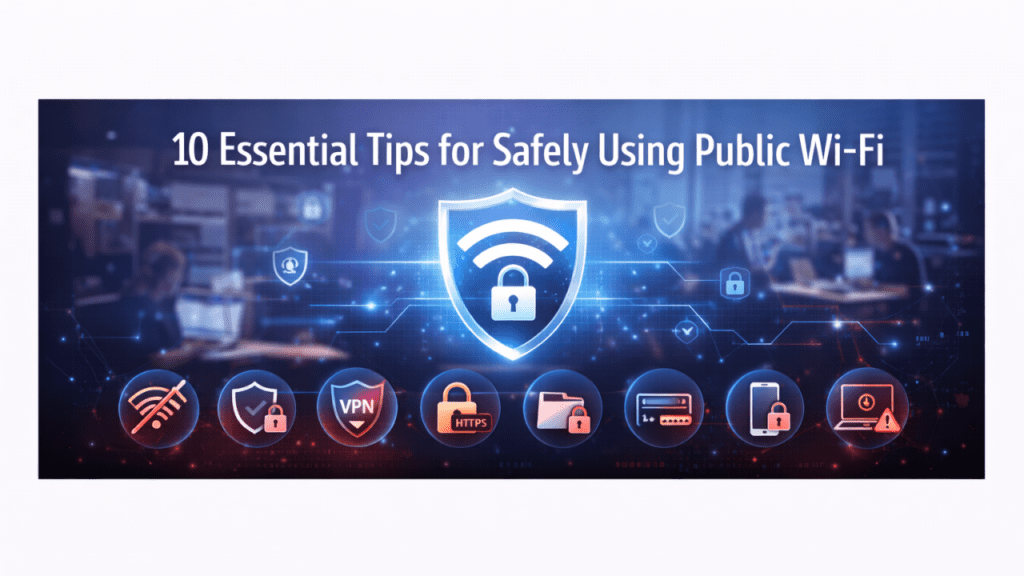
Almost all of us use public Wi-Fi. We sit in a cafe, order coffee, ask for the password, and connect within seconds. At airports, malls, hotels, even parks, free internet feels normal now. It saves mobile data and helps us stay connected.
But here is the truth most people ignore. Public Wi-Fi is one of the easiest places for cybercrime to happen. Not because the internet itself is bad, but because these networks are open. Anyone can join them, including people with bad intentions.
The goal is not to scare you but the goal is to make you smarter while using it.
Here are the 10 Tips for Safely Using Public WiFi
Think Before You Log In
The biggest mistake people make is logging into sensitive accounts on public Wi-Fi. Bank apps, payment platforms, office dashboards, or even email accounts that contain important information. If someone is watching the network, they can try to capture what you type. You may never even realise it.
A simple rule for online security is this. If the information is private or important, do not access it on public Wi-Fi.
If something feels urgent, it is better to wait and use your mobile data instead of taking the risk. A few minutes of patience can save you from weeks of stress later.
A VPN Is Not Just for Tech People
Many people think VPNs are complicated but they are not.
A VPN simply protects your connection by hiding your data. It creates a private path between your device and the internet.
This is one of the most useful cyber security tips today. If you regularly work from cafés or travel often, a VPN should be part of your basic setup.
Think of it like drawing the curtains in a room full of strangers. You are still online, but others cannot easily see what you are doing.
Not All Wi-Fi Networks Are Real
This may sound strange, but some Wi-Fi networks are fake on purpose.
Hackers create hotspots with names like “Free Airport Wi-Fi” or “Cafe Internet” to trick users into connecting. Once you join, they can monitor your activity.
Always confirm the network name with staff. This one habit alone can protect you from many cyber attacks.
Never assume the strongest signal is the safest one. A quick confirmation can prevent a serious mistake.
Your Device Should Not Auto-Connect
Phones and laptops love convenience. They connect automatically to any open network.
This is risky, you may connect to an unsafe network without even knowing it.
Turning off auto-connect improves your internet security and gives you control over where you connect.
Security begins with small settings. When you control your connections, you control your exposure.
Secure Websites Matter More Than You Think
Look at the website address and If it starts with HTTPS, it is safer.
This is basic website security. The “S” means the site encrypts your data.
Never enter personal details on websites that do not use HTTPS, especially on public networks.
Also check for the small padlock icon in the browser. It is a simple sign, but it tells you the website is taking protection seriously.
Updates Are Actually Important
Most people ignore software updates.
But updates fix security problems and hackers often target old systems with known weaknesses.
Keeping your device updated is one of the simplest forms of cyber – attack prevention.
Delaying updates may feel harmless, but outdated software is often the easiest entry point for attackers.
Protection Tools Are Your Safety Net
Firewalls and antivirus software are like guards for your device. They watch what comes in and goes out.
They are essential for web security and website protection, especially on public networks.
You may never notice them working, but when something goes wrong, they become very important.
Even free security tools offer a strong layer of defence. Having some protection is always better than having none.
Log Out Like You Lock Your Door
Would you leave your house unlocked in a crowded area? Probably not.
Staying logged into accounts on public Wi-Fi is similar. Always log out after use.
This small habit greatly improves your online security.
Clearing your browser history after using a shared or public device also adds another layer of safety.
File Sharing Has No Place on Public Wi-Fi
File sharing allows others to access your device.
On public networks, this is dangerous. Turn it off in your system settings.
It protects your personal files and supports basic website cyber security practices.
Public networks are meant for browsing, not transferring sensitive files. Keep your important data private and offline whenever possible.
Pay Attention to Your Accounts
Check your accounts regularly. Unknown logins, strange emails, or unusual transactions should never be ignored.
Early awareness is one of the strongest cyber security solutions.
The faster you act, the easier it is to limit the damage. Reporting suspicious activity immediately can prevent bigger losses.
Why Public Wi-Fi Feels Safe but Is Not
Public Wi-Fi feels safe because nothing bad usually happens immediately, but these networks lack strong security.
Anyone on the same network can try to spy on data and this is why cyber security tips exist. Not to create fear, but to create awareness.
Most cyber incidents are silent. You may not see anything unusual at first, which is why awareness and prevention matter so much.
Final Thoughts
With a little attention, a few tools, and smarter habits, you can use public internet safely. Internet security is not about being technical, it is about being mindful and in today’s digital world, mindfulness is the best protection you can have.
Public Wi-Fi is convenient and useful, but it should always be used with awareness. Smart habits today can protect your personal and professional life tomorrow.
Comments
Join the discussion. We’d love to hear your thoughts.